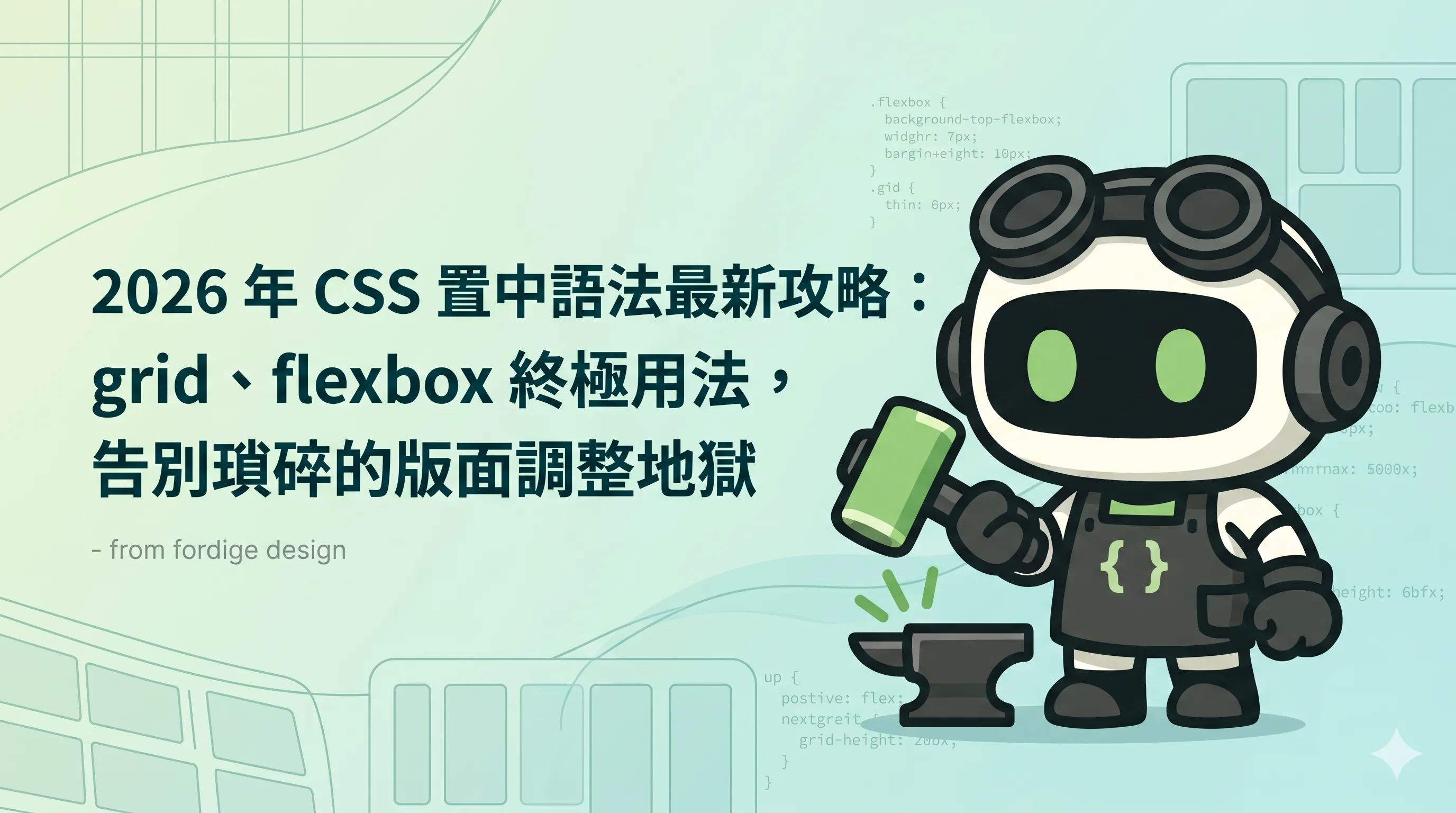
2026 年 CSS 置中語法終極攻略
網頁設計的「置中」是 90% 的設計師每週都在處理的事——但很多人用了 5 年的 flexbox margin auto 還是搞不清楚。
這篇文章整理 9 種 CSS 置中方法,從最簡單到最進階,並說明每種的適用場景。
方法 1:text-align: center(行內元素)
.parent {
  text-align: center;
}
適用:行內元素(文字、<a>、<span>、<img>)。
不適用:block 元素(div、section)。
方法 2:margin: 0 auto(block 元素)
.child {
  width: 200px;
  margin: 0 auto;
}
適用:有明確寬度的 block 元素。
不適用:寬度不固定(例:width: auto)的元素——auto 不會置中。
方法 3:display: flex + justify-content/align-items
.parent {
  display: flex;
  justify-content: center;  /* 水平 */
  align-items: center;      /* 垂直 */
}
適用:任何元素——最通用的置中法。
2026 年首選——Can I use 99% 支援。
方法 4:display: grid + place-items
.parent {
  display: grid;
  place-items: center;
}
適用:任何元素,語法最簡潔。
2026 年新選擇——place-items: center 是 justify-items + align-items 的 shorthand。
MDN 文件 確認這是 2026 年最推薦的 CSS Grid 置中法。
方法 5:position: absolute + transform
.parent {
  position: relative;
}
.child {
  position: absolute;
  top: 50%;
  left: 50%;
  transform: translate(-50%, -50%);
}
適用:絕對定位元素(例:modal、tooltip)。
2026 年已過時——grid + flex 是更好的選擇。
方法 6:position: absolute + inset: 0 + margin: auto
.parent {
  position: relative;
}
.child {
  position: absolute;
  inset: 0;
  margin: auto;
}
適用:有明確寬度/高度的絕對定位元素。
2026 年仍有用——modal、cookie 橫幅常用。
方法 7:display: table + vertical-align
.parent {
  display: table;
}
.child {
  display: table-cell;
  vertical-align: middle;
  text-align: center;
}
適用:垂直置中(舊瀏覽器)。
2026 年過時——flex + grid 已取代。
方法 8:line-height(單行文字垂直置中)
.parent {
  height: 50px;
  line-height: 50px;
}
適用:單行文字(例:按鈕文字、導覽列選項)。
不適用:多行文字——會造成奇怪的間距。
方法 9:writing-mode + text-orientation(垂直文字)
.parent {
  writing-mode: vertical-rl;
  text-orientation: upright;
}
適用:中文直書、日文、特殊排版。
2026 年 niche 用法——MDN 詳細文件。
2026 年最佳實踐:grid + place-items
.parent {
  display: grid;
  place-items: center;
  min-height: 100vh;
}
業界常見的觀察:2026 年的新 CSS 專案,95% 都用 grid + place-items。flexbox 仍可用,但 grid 是更現代的選擇。想用數學邏輯動態計算每個子元素位置,可參考 CSS 進階技術:2026 sibling-index & sibling-count。 CSS 進階技術:2026 sibling-index & sibling-count。
> 詳細的 CSS 進階技術見 2026 sibling-index & sibling-count。
9 種方法比較表
| 方法 | 語法簡潔 | 瀏覽器支援 | 適用場景 |
|---|---|---|---|
| text-align: center | ⭐⭐⭐⭐⭐ | 100% | 行內元素 |
| margin: 0 auto | ⭐⭐⭐⭐ | 100% | 有寬度的 block |
| flex | ⭐⭐⭐⭐ | 99% | 通用首選 |
| grid + place-items | ⭐⭐⭐⭐⭐ | 98% | 2026 首選 |
| absolute + transform | ⭐⭐ | 100% | 絕對定位 |
| absolute + margin auto | ⭐⭐⭐ | 100% | modal、橫幅 |
| table-cell | ⭐⭐ | 100% | 過時方法 |
| line-height | ⭐⭐⭐⭐ | 100% | 單行文字 |
| writing-mode | ⭐⭐ | 95% | 中文直書 |
常見的 5 個置中錯誤
錯誤 1:margin: 0 auto 但沒設寬度
/* ❌ 錯誤 */
.child {
  margin: 0 auto;
  /* 沒設 width */
}
業界常見的問題:auto margin 在沒設寬度時不會置中。
正解:必須設定 width 或 max-width。
錯誤 2:text-align: center 用在 block 元素
/* ❌ 錯誤 */
.parent {
  text-align: center;
}
.parent div {
  /* 這個 div 不會置中 */
}
正解:用 margin: 0 auto 或 flexbox。
錯誤 3:flex 但沒設父容器寬度
/* ❌ 錯誤 */
.parent {
  display: flex;
  /* 沒設寬度或容器太小 */
}
正解:flex 是相對父容器,父容器必須有明確寬度。
錯誤 4:垂直置中忘了 align-items
/* ❌ 錯誤(只水平置中,沒垂直) */
.parent {
  display: flex;
  justify-content: center;
}
正解:加 align-items: center。
錯誤 5:用 absolute 但父容器沒 position: relative
/* ❌ 錯誤 */
.parent {
  /* 沒 position: relative */
}
.child {
  position: absolute;
  /* 會 relative 到 body,不是 parent */
}
正解:父容器必須 position: relative 或 position: absolute。
結語:grid 是 2026 年首選
9 種方法中,grid + place-items 是 2026 年首選——語法最簡潔、瀏覽器支援 98%、適用任何元素。
flexbox 仍可用,但** grid 是更現代的選擇**。
實戰上的建議:新 CSS 專案用 grid,舊專案保留 flexbox。永遠不要用 absolute + transform 置中——過時了。